Power
Turning off the simulator
There are two ways of turning off Paul:
On the Graphical User Interface
This is a general shut down of the entire system.
Click the menu on the bottom right corner of the GUI.
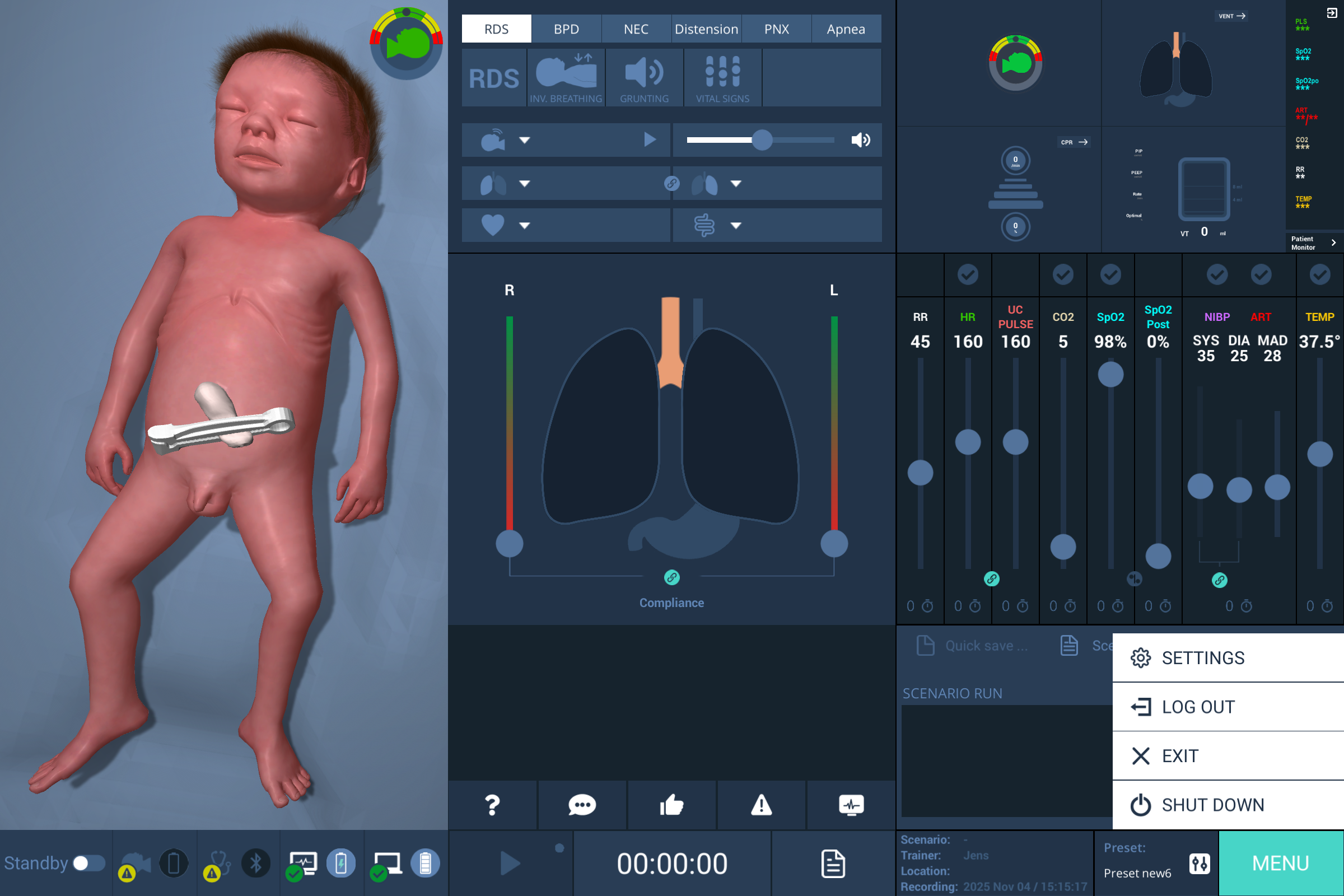
Select Shut down.
The simulator, Trainer laptop and Patient monitor turn off.
With the magnet
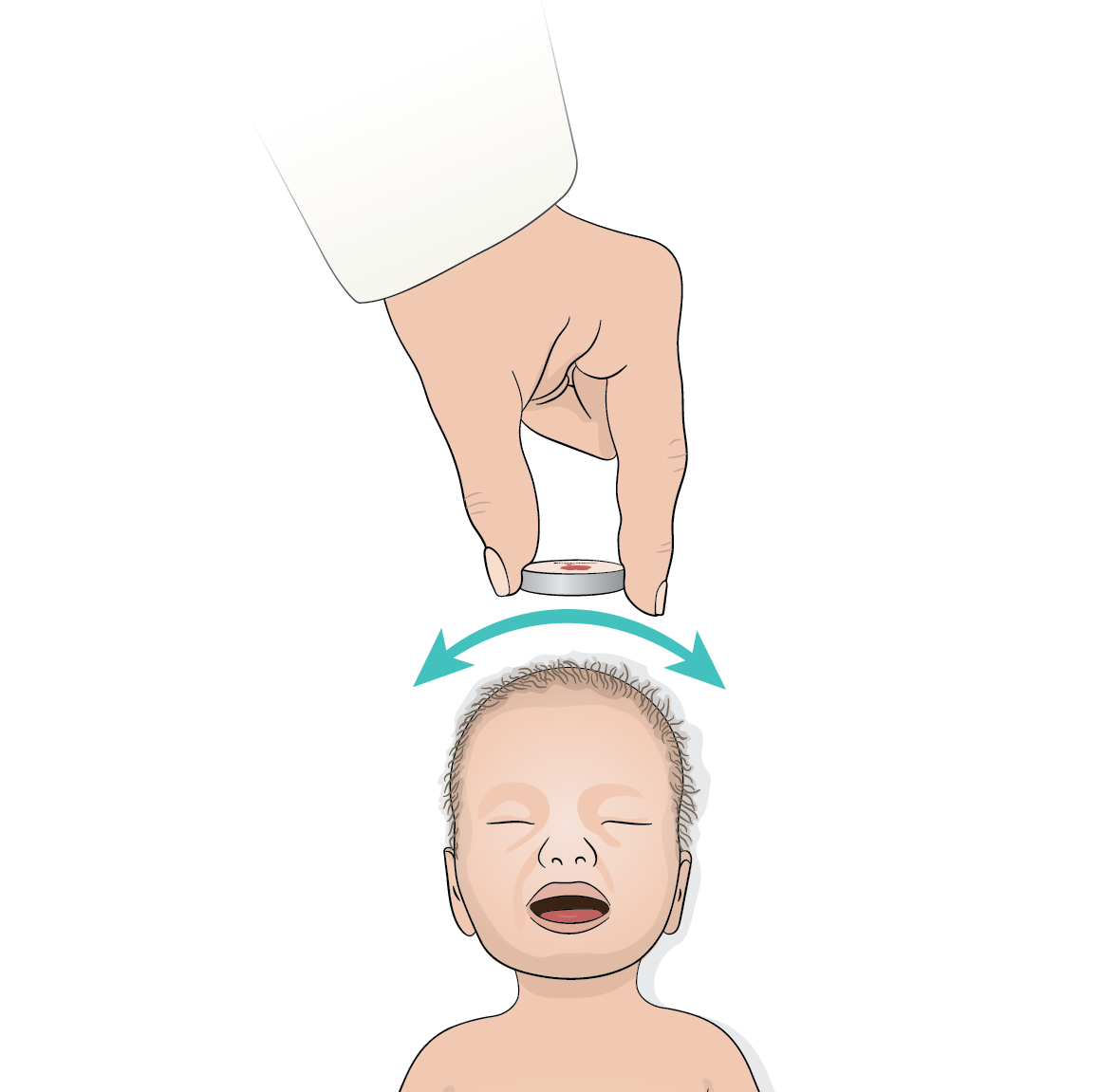
Place the magnet on the simulator's head.
Gently swipe the magnet from side to side until the simulator turns off.
NOTE
If both the GUI and simulator are turned off but the simulator is still connected to the power supply, the status LED light under its skin flashes yellow. Make sure to unplug the simulator to complete the shut down.