Trainer laptop and Patient Monitor
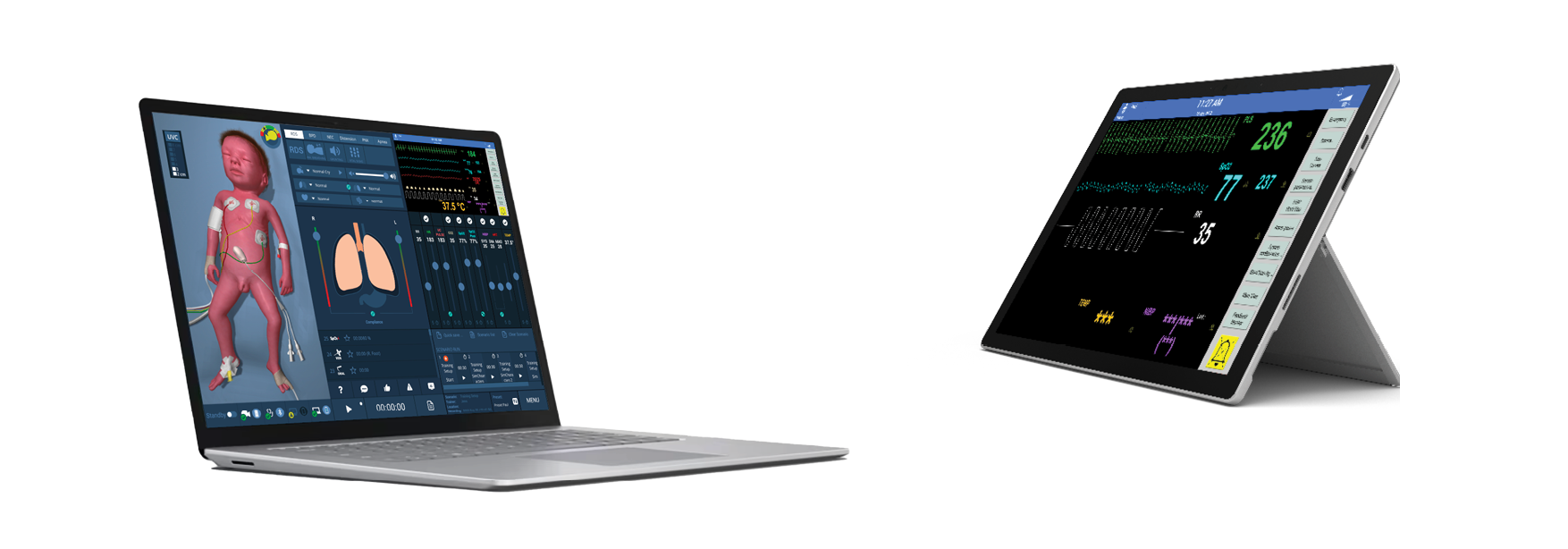
Both the Trainer laptop and the patient monitor can be operated using the touchscreen.
Trainer laptop startup
To start the control software, click on the Paul icon located on the desktop.
The Graphical User Interface (GUI) is already installed on the laptop.
Paul and the patient monitor are both controlled via the Trainer laptop.
NOTES
For more information, refer to Logging into the Graphical User Interface.
For mobile use, fold the Trainer laptop into tablet mode and operate the GUI via the touchscreen.
Patient Monitor startup
To start the patient monitor software, click on the Vitals Monitor icon on the tablet desktop.
Training participants can use the patient monitor like a real patient monitor during training and set alarm limits, measure blood pressure, set automatic blood pressure measurement intervals and acknowledge alarms.
NOTES
The patient monitor software is already installed on the tablet.
A detailed description of the controls can be found in the Patient Monitor section.