Connecting to the application
Information on how to download and log into the application are available in this article.
Before connecting to the application, make sure to Install the batteries inside the manikin.
Log into QCPR App.
The training modes page opens.
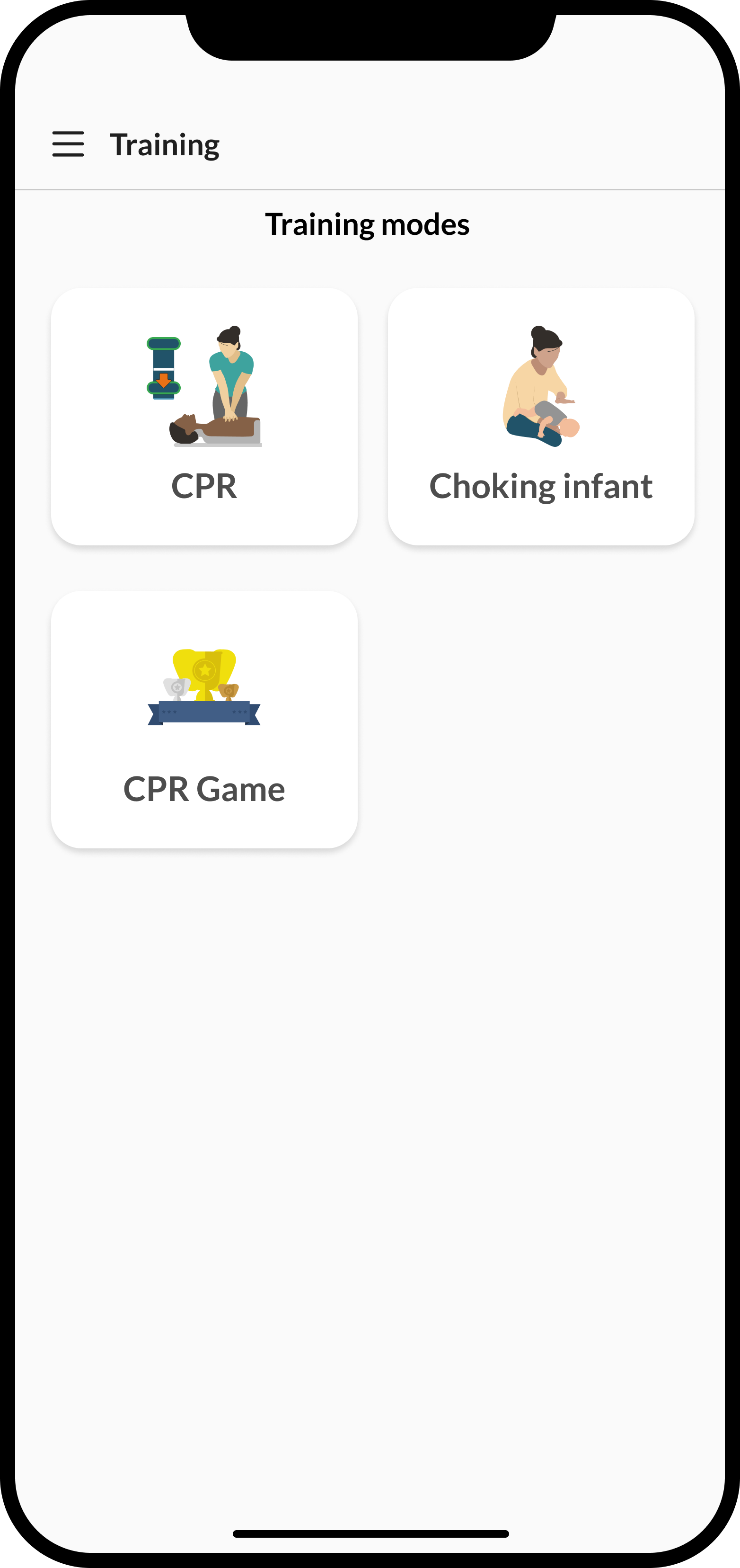
Select a training mode.
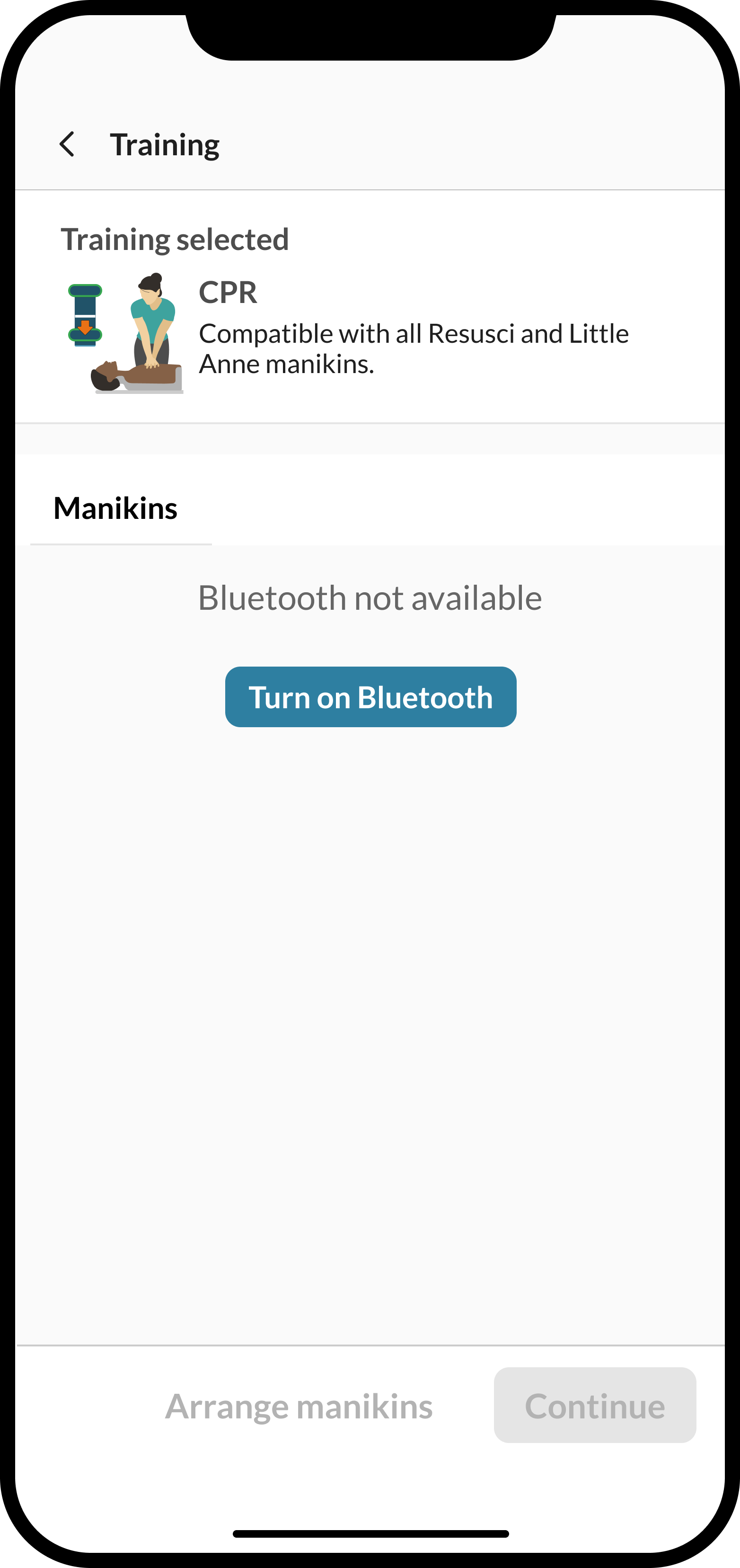
Check that the Bluetooth is on and turn it on if needed.
Turn on the manikin.
Note
Additional information on how to turn on the manikin is available on this screen.
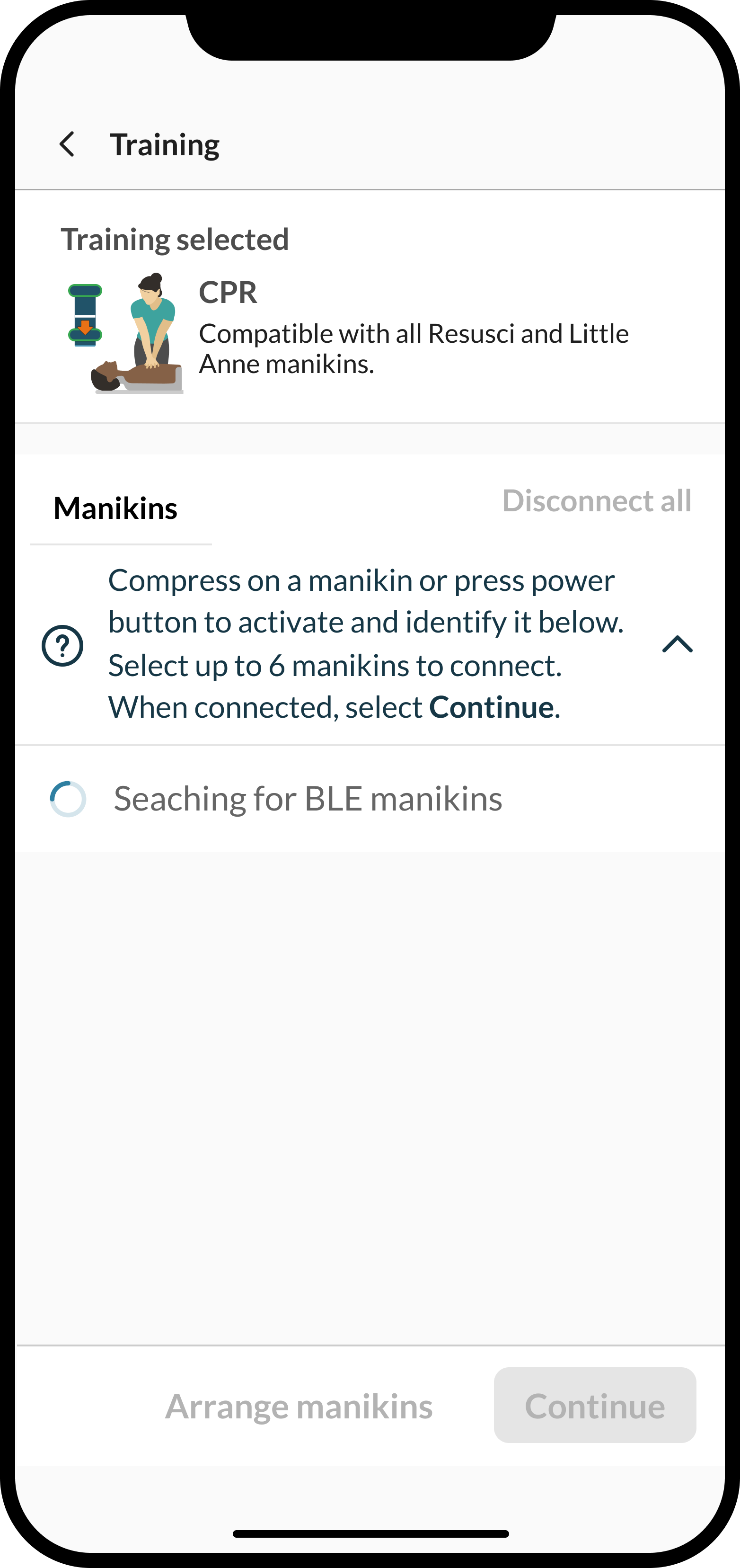
Select your manikin(s) from the list that appears.
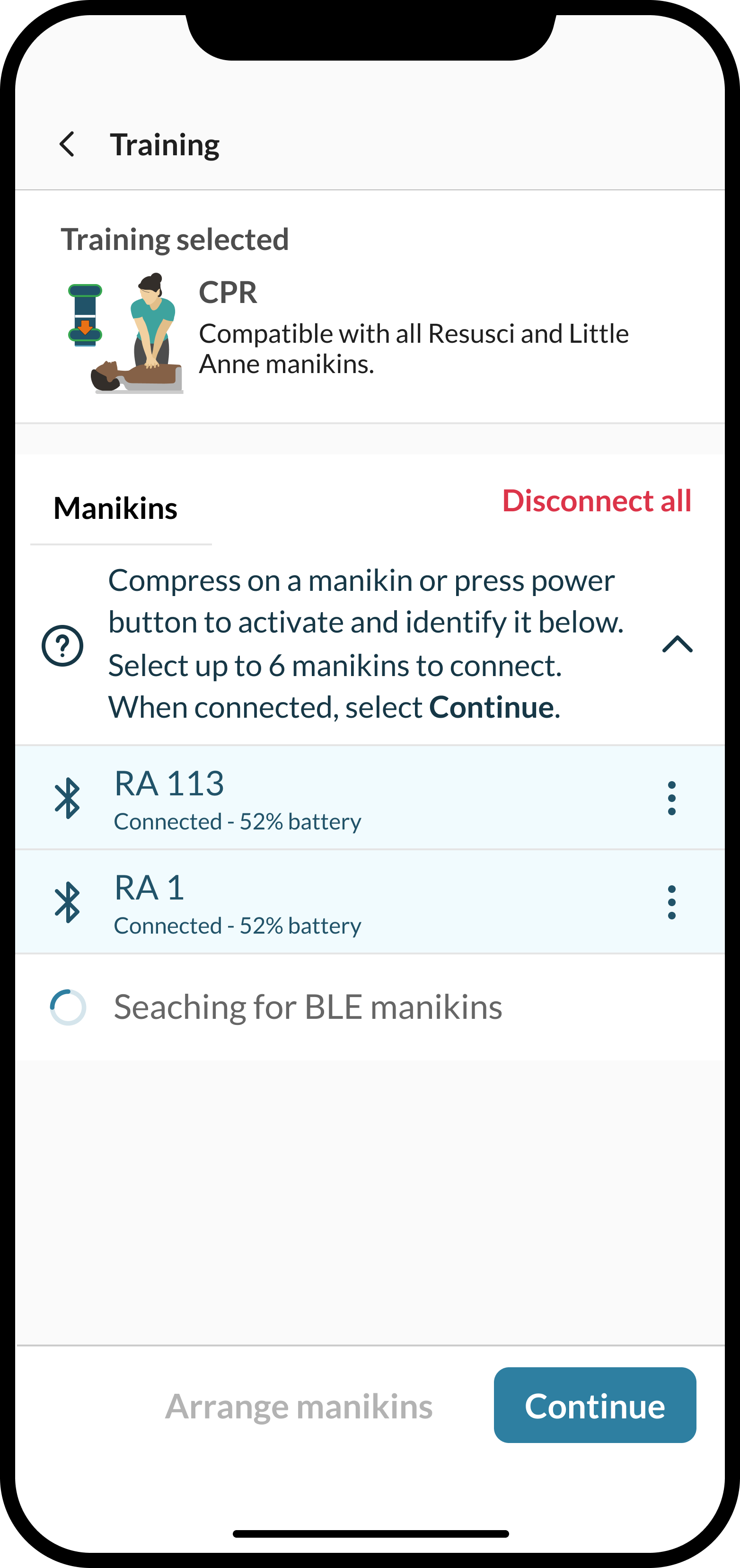
Select Continue.
The selected manikins are connected.
More information on this procedure is available in this how-to video.